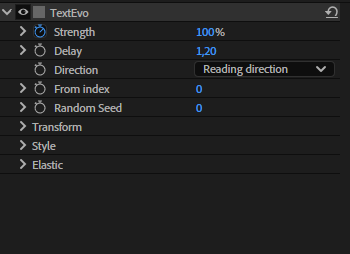
Controls
All the controls of a Textevo are in its effect:
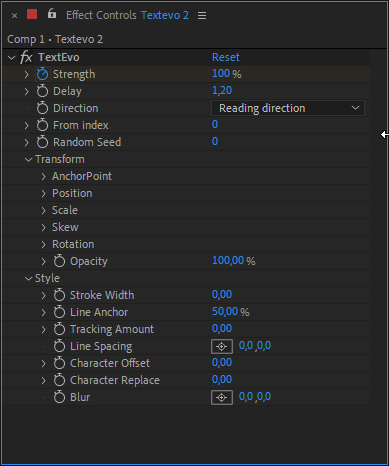
Strength
The intensity of the Textevo, the parameter you animate.
- 100 %: the text gets all the Transform and Style values of the effect.
- 0 %: the text is back to normal.
Each letter, word or line plays the Strength animation with its own delay.
You can add expressions on the Strength (wiggle, loopOut...) or use your favorite easing scripts. For an elastic, a bounce or an oscillation, use the Motion button: it follows the delay of each letter.
Delay
The time between two letters, words or lines, in frames.
With a delay of 2, the second letter starts 2 frames after the first one, the third one 4 frames after... Negative values are possible.
Direction
The order in which the letters, words or lines play the animation:
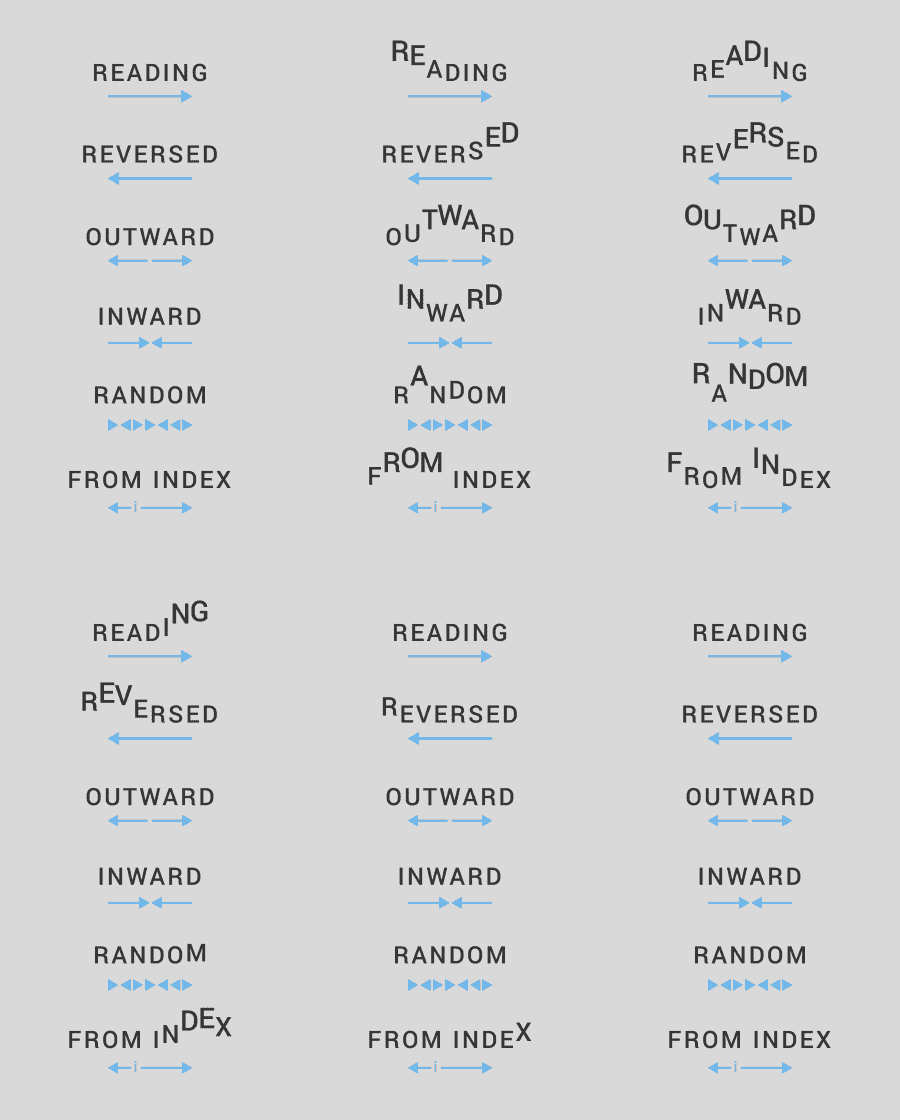
| Direction | Order |
|---|---|
| Reading direction | from the first to the last |
| Reversed | from the last to the first |
| Outward | from the center to the edges |
| Inward | from the edges to the center |
| Random | in a random order, changed with the Random Seed |
| From index | from the letter, word or line set with From index, towards both edges |
From index
With the From index direction: the letter, word or line where the animation starts.
Random Seed
With the Random direction: change it to get another random order.
Transform
What the text gets at 100 % of strength, relatively to its normal state:
- Anchor Point, Position (X, Y, Z): offsets in pixels
- Scale (or X, Y, Z with Separate XYZ)
- Skew (angle and axis)
- Rotation (and X, Y, Z rotations when the layer is in 3D per character)
- Opacity
Example
With a Position Y of 100 and a strength of 50 %, the text is moved by 50 px on Y.
Style
Works like Transform, with: Stroke Width, Line Anchor, Tracking Amount, Line Spacing, Character Offset, Character Replace and Blur.
Motion controls
A Textevo with a Motion has an extra group at the end of its effect: Elastic, Bounce or Oscillation, with its own controls.